
Intended audience: end-users Developers
AO Platform: 4.3
Overview
The prerequisite for this workflow is to have at least one Annotation created - see Annotation Composer.
Adding an Annotation to an Application
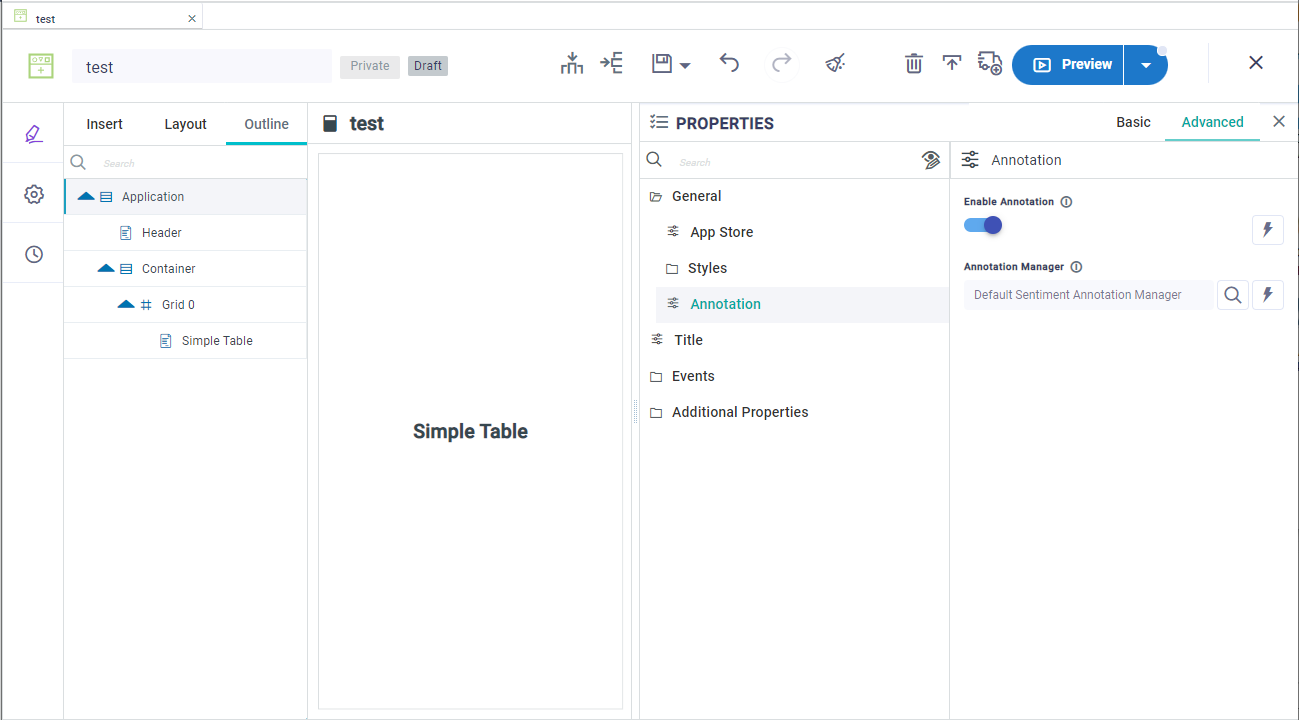
Adding an Annotation to an Application is done from the Application level Properties. When editing an Application, …
-
Go to the Outline tab in the left-side Palette, then select the Application entry. This is the root of the tree that forms the Application structure.
-
With the Properties panel open, select the General category, then Annotation.
-
Finally, enable the Annotation toggle, and then select which Annotation Manager to use. Click the Search icon to show a list of existing Annotations.
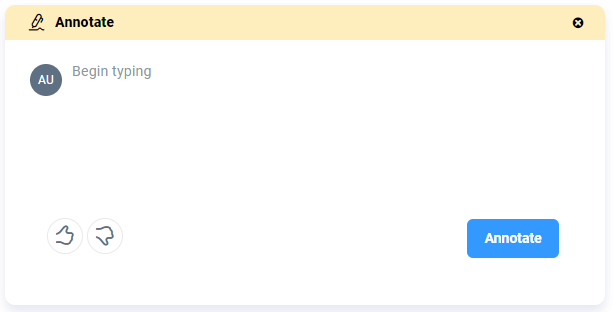
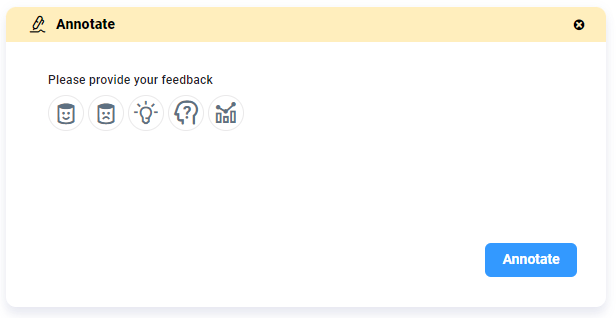
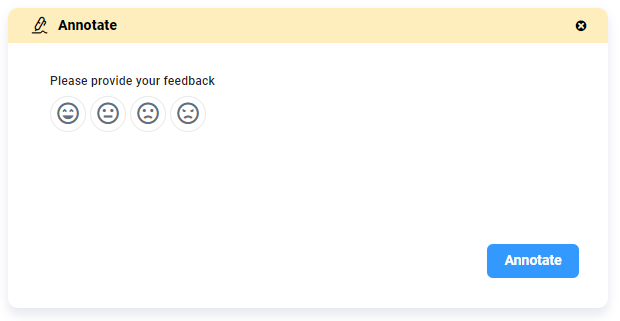
Annotation - Default Examples
|
Thumbs Up/Down - with additional user input |
Feedback |
|---|---|
|
|
|
Sentiment |
Tags |
|
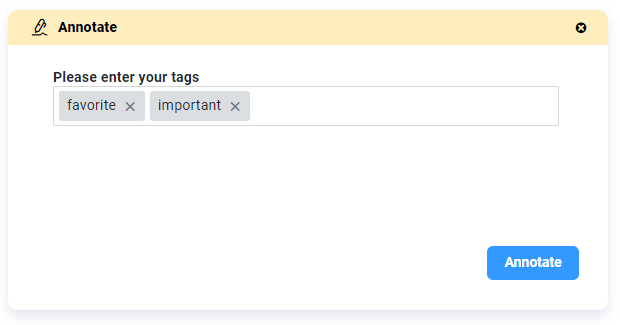
|
See Annotating Data.
Contact App Orchid | Disclaimer