
Intended audience: end-users analysts developers administrators
AO Platform: 5.0
Overview
The Ontology Composer is represented by this icon in the Solution menu:

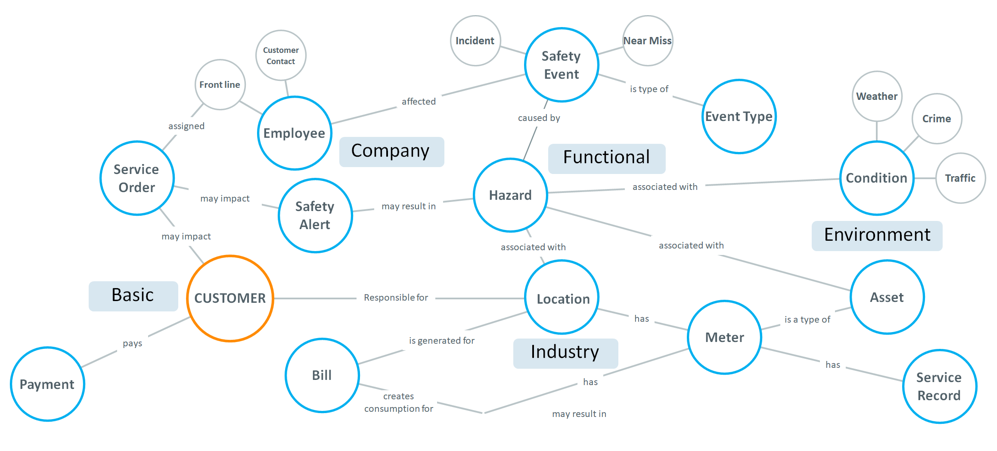
The Ontology Composer is the user interface to create and configure all aspects of an Ontology graph. An Ontology is made up of multiple nodes, called MSOs, short for Managed Semantic Objects - a configuration representing real-world objects digitally through a combination of data properties and metadata that gives the data context, additional qualities, and relationships with other objects. A grouping of such semantic objects is often referred to as a domain within which the semantic objects form the necessary ingredients to create the digital version of data and processes imitating the real world. To understand how individual MSOs are associated, interact with each other, and ultimately form a domain Ontology, the AO Platform provides an Ontology Viewer as an integral part of the Ontology Composer. See Ontology Viewer for details.
Opening the Ontology Composer
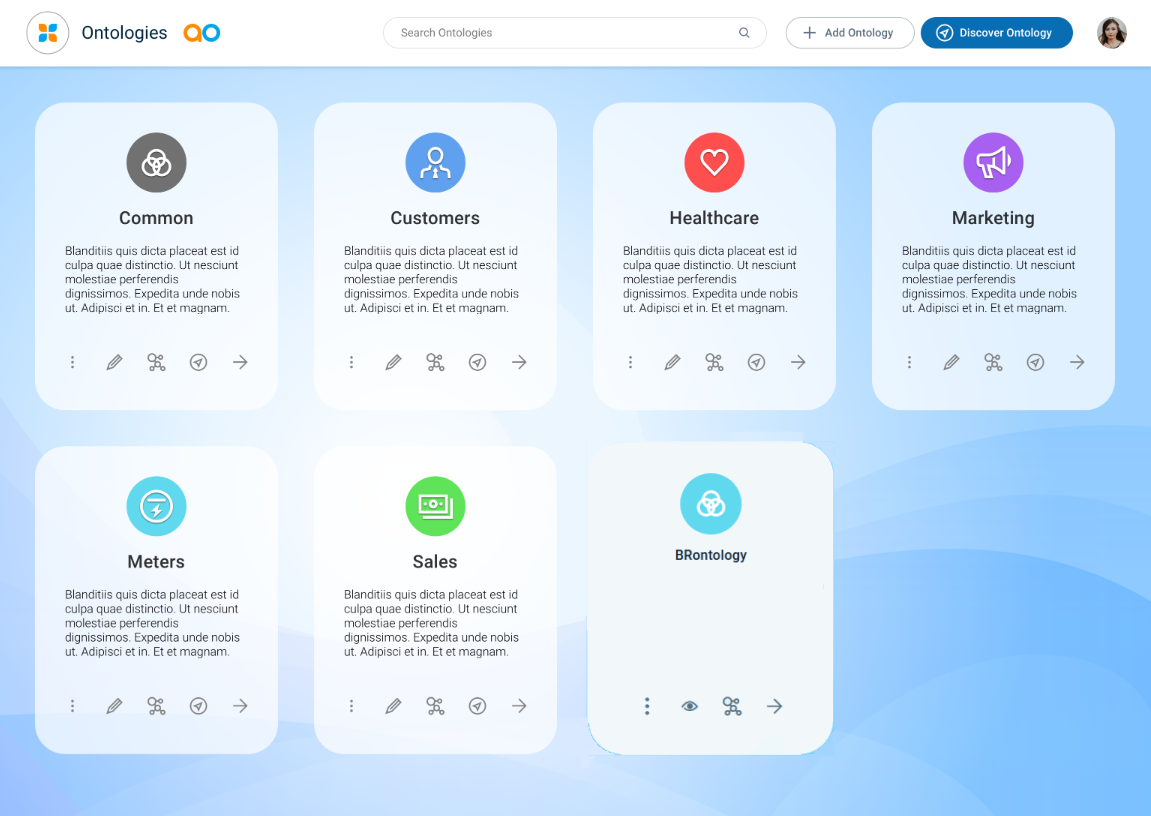
When first opening the Ontology Composer, the user will see one or more existing Ontologies. All aspects of creating new Ontologies, as well as managing existing Ontologies, start from this page.
Permissions
Role-based permissions control the visibility and accessibility of the Ontologies in the Ontology Composer. Role-based permissions are configured in the Admin solution's Access section and fall into these three categories.
-
No Access - users of the Role will not be able to use the Ontology in an Easy Answers solution, nor view/edit the Ontology configurations in the Ontology Composer.
-
Allow Use - users of the Role will be able to use the Ontology in an Easy Answers solution (or via APIs), as well as view the Ontology configurations, but not edit Ontology configurations.
-
The Ontology card in the Ontology Composer will show an “eye” icon to indicate the “view-only” nature of the Ontology.
-
Also, the Ontology Options menu will have a significantly reduced set of entries in this mode, as all entries that can change configurations will be hidden.
-
-
Allow Edit - users of the Role will be able to use the Ontology in an Easy Answers solution (or via APIs), as well as edit the Ontology configurations.
-
The Ontology card in the Ontology Composer will show a “pencil” icon to indicate the “editable” nature of the Ontology.
-
See the following topics for details:
Contact App Orchid | Disclaimer