
Intended audience: end-users analysts developers administrators
AO Platform: 5.0
Overview
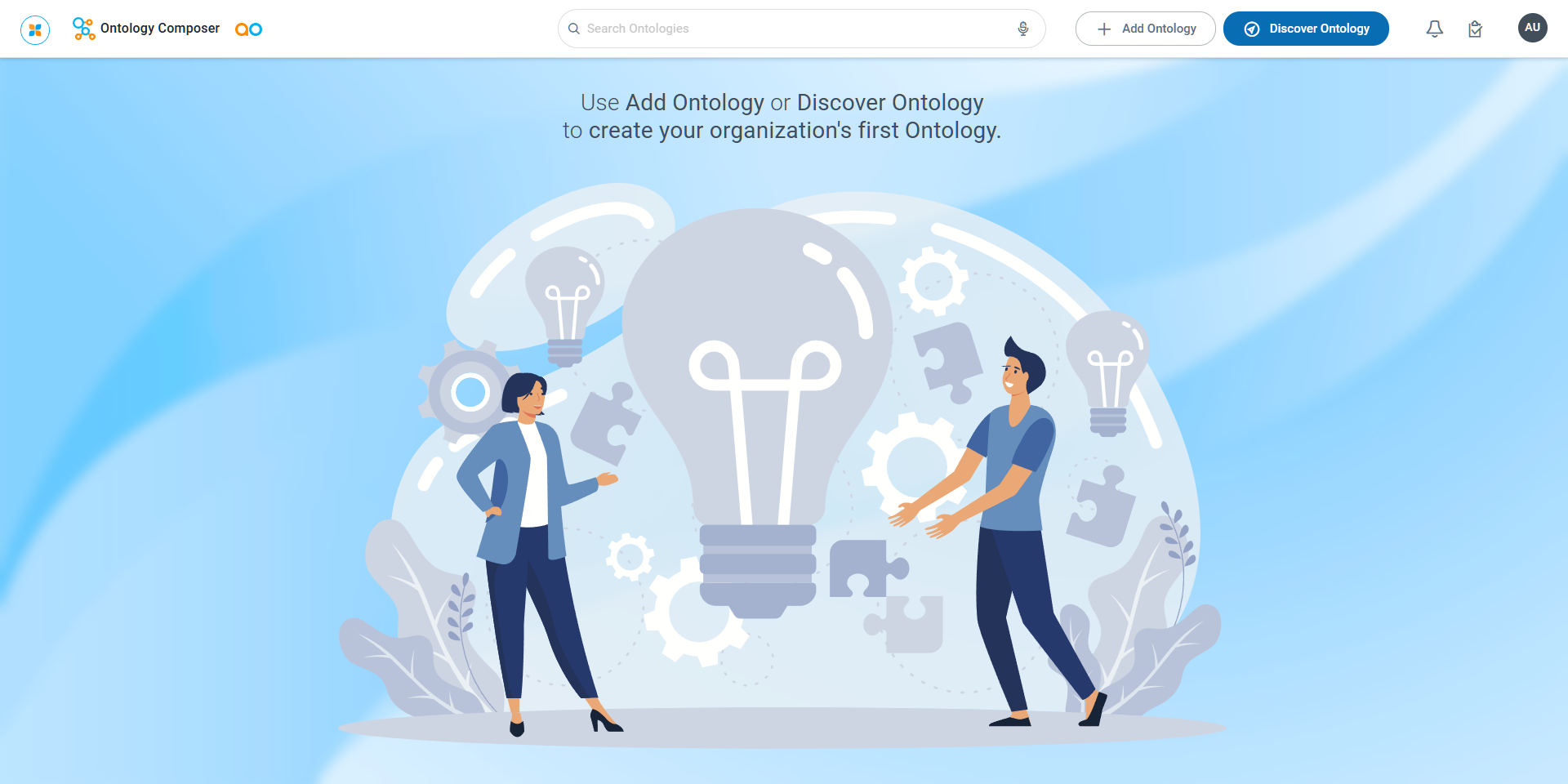
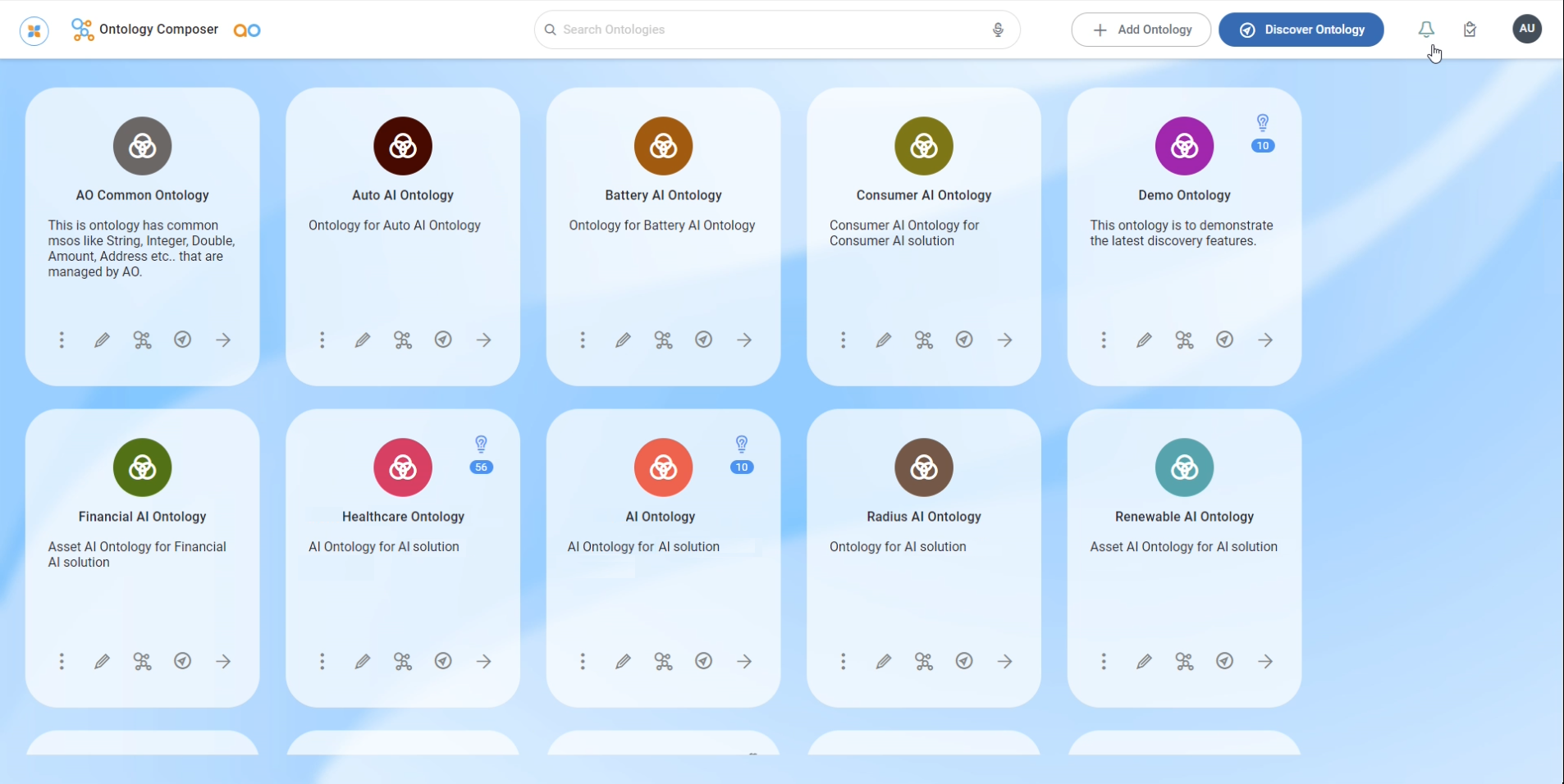
On the Ontology Composer’s home page, the user can add/discover a new Ontology. Once Ontologies have been created, the user can continue to configure the existing Ontologies by selecting from the Ontology cards on the page.
|
Ontology Composer - no Ontologies have been created |
Ontology Composer - multiple Ontologies have been created |
|---|---|
|
|
User Actions
In Header
-
Search - enter a Search term to find relevant objects on the selected page.
-
Add Ontology - click to create a new object on the current page. See Creating an Ontology.
-
Discover Ontology - click to start the Discover Ontology wizard, - a step-by-step workflow to select a schema-based data source from which an Ontology will be created. See Discovering an Ontology.
On Individual Ontology Cards
|
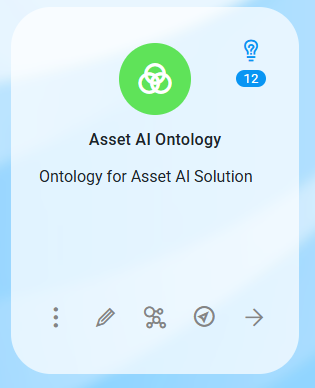
With “Allow Edit” Permissions |
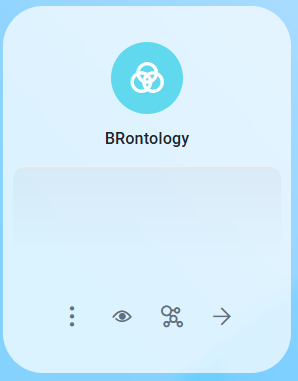
With “Allow Use” (Read-Only) Permissions |
|---|---|
|
|
|
|
Contact App Orchid | Disclaimer