
Intended audience: analysts developers administrators
AO Platform: 4.5
Overview
With one or more Ontologies created, users will see a Card view of existing Ontologies.
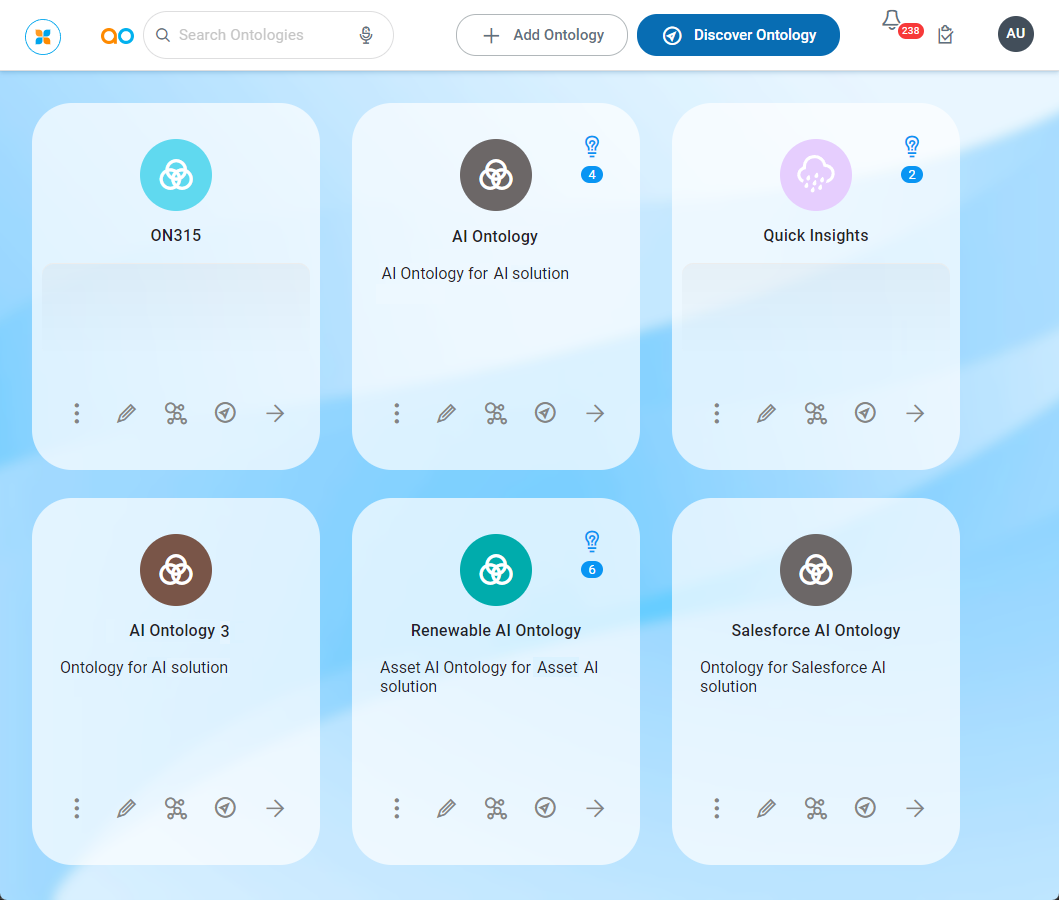
Click the Edit (pencil) icon to open the fullscreen Ontology Composer to edit all available properties. The Ontology page configuration is broken into the following sections:
User Actions
Header
-
Save - saves the configuration of the Ontology Composer.
-
Close - closes the Ontology Composer. If changes have been made, but not saved, user will be warned to Save or Discard.
Contact App Orchid | Disclaimer