
Intended audience: analysts developers administrators
AO Platform: 5.0
Overview
The Settings page, available from the left-side navigational panel, allows the user to configure properties for the Ontology and how the Ontology is used within Easy Answers Solutions.
There are hundreds of configuration properties organized into sections. All sections and their configuration properties belong to Settings Profiles managed within the Admin > Generative AI > Profiles and Profile Configurations pages - see Admin > Generative AI. One of the key aspects of the Settings Profile is to select which Generative AI/LLMs to use for all the functionality that makes use of LLMs; hence, the Settings Profile Names use the LLM Provider Name and Version numbering for easy selection.
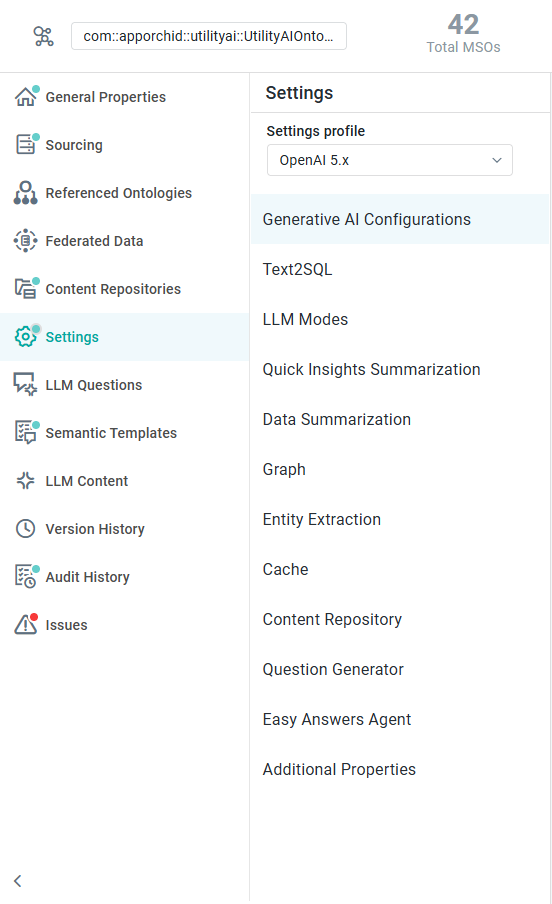
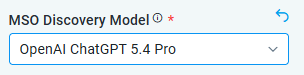
With a Settings Profile selected, the user can still customize individual configuration properties. If a configuration property is changed, it will show with a revert icon ( 
For full details on all configuration properties by section, click through to the sections below:
Contact App Orchid | Disclaimer