
Intended audience: developers administrators
AO Platform: 4.4
Overview
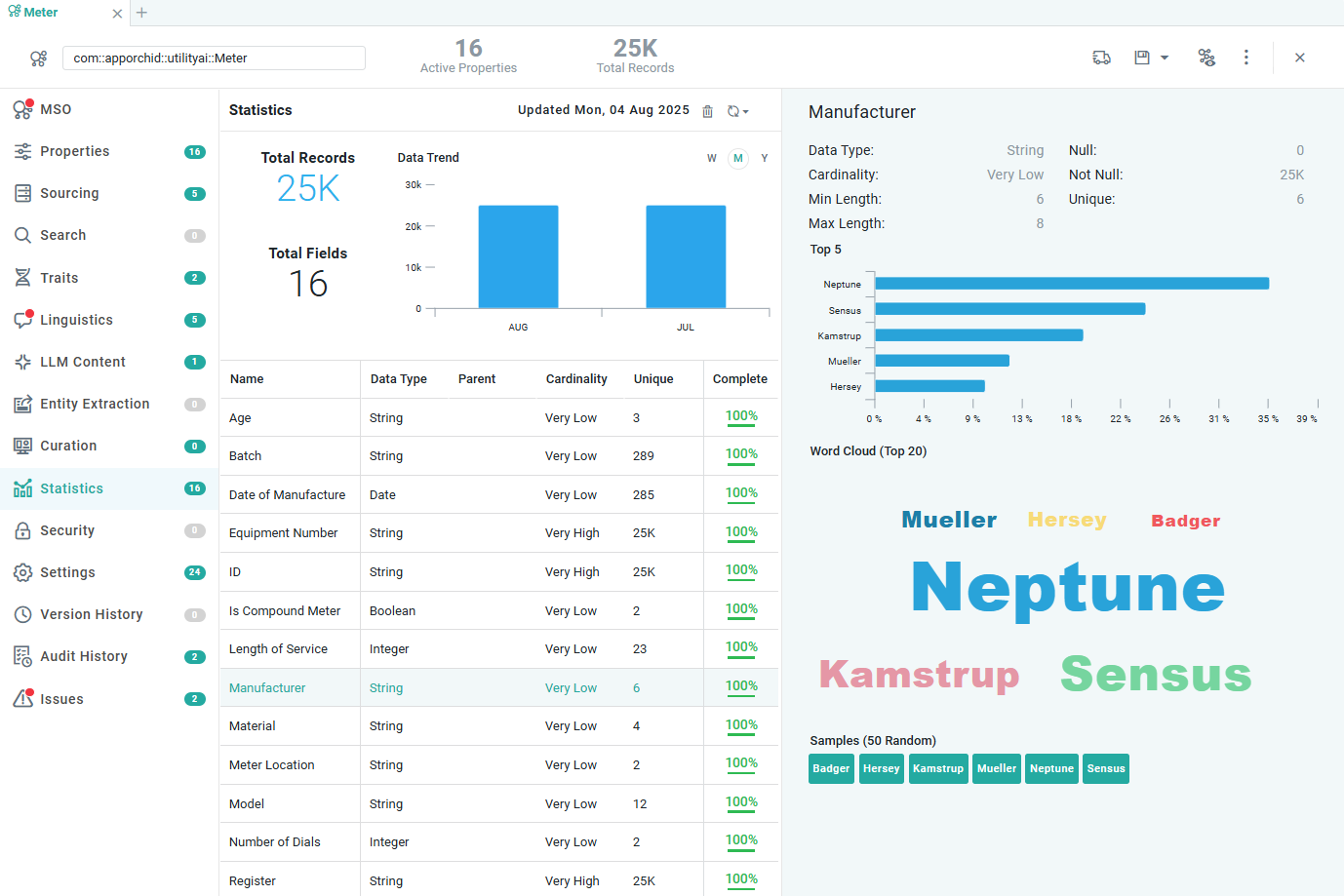
The generation of Statistics for data represented by the MSOs in an Ontology is one of the primary forms of Ontology enrichment. This topic describes where to access, how to create/update, and how Easy Answers solutions use the generated Statistics.
Statistics - generated for a single MSO
Why Is This Important
Generating Statistics has many benefits throughout the AO Platform and for Easy Answers solutions. Here are the main reasons and benefits:
-
After the initial Ontology creation and discovery, only the structure of the data model is captured. Generating the Statistics will capture and provide an understanding of the data stored in the data model, thereby enriching the overall Ontology.
-
Statistics help improve performance as many operations and processes build on knowing, ahead of time, things like: total number of records, date ranges, categories in the data (based on cardinality), the importance of MSO Properties (based on completeness), uniqueness of values, and which words are functionally important.
-
Statistics help the interpretation of Natural Language Questions and the generation of Semantic SQL (Text2SQL) when asking questions in Easy Answers.
-
Statistics help generate auto-Curations, creating additional visual Apps to provide more insights and nuance for the data requested when asking questions in Easy Answers.
-
Statistics help generate AI-based Quick Insights, providing context to Machine Learning Models when Quick Insights are generated to reveal additional patterns, trends, outliers, forecasts, correlations, and causation on top of historical data in Easy Answers Apps.
-
Statistics help generate AI-based Data Summaries, providing context to the LLM when requesting textual summaries for Apps and Quick Insights in Easy Answers.
What To Do
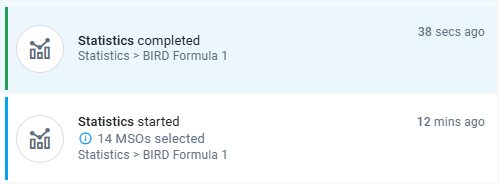
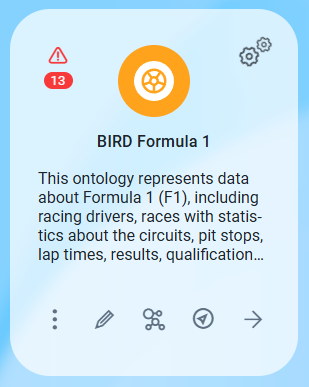
There are many ways that Statistics can be created and updated within the Ontology and MSO Composers. Whichever of the following options is selected, the generation of Statistics will be executed in the background, and Notifications will be shown on the screen to indicate progress, like this:
|
Notifications |
Progress Indicator on the Ontology Card |
|---|---|
|
|
Discover Ontology Wizard
-
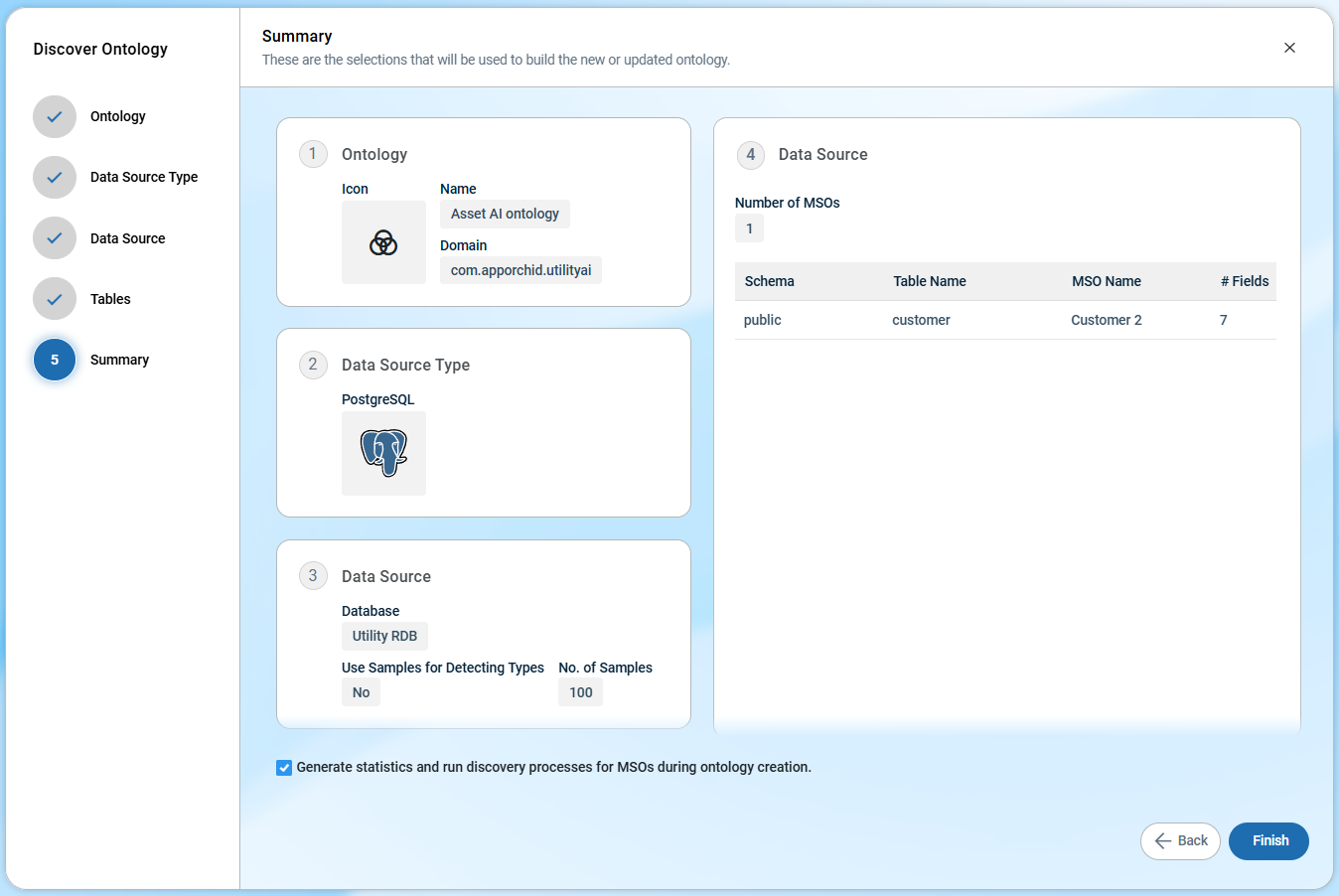
Selecting the checkbox on the Summary page in the Discover Ontology wizard creates Statistics for all MSOs in the Ontology.
Ontology Options Menu
-
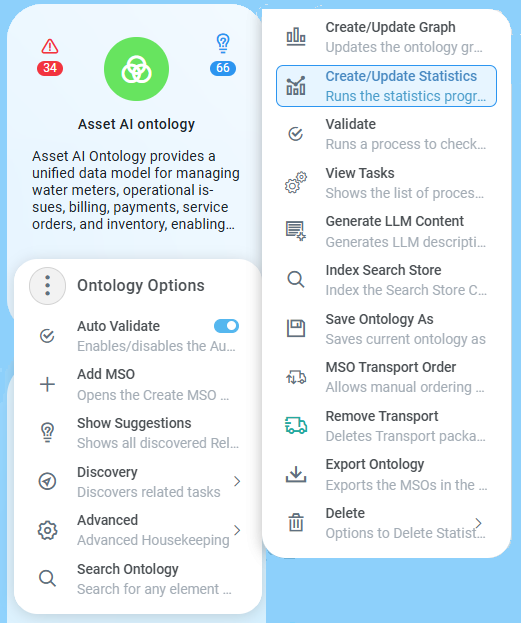
Selecting the Create/Update Statistics menu in the Advanced section of either the Ontology Options menu (for all MSOs in Ontology) or the MSO Options menu (for a single MSO).
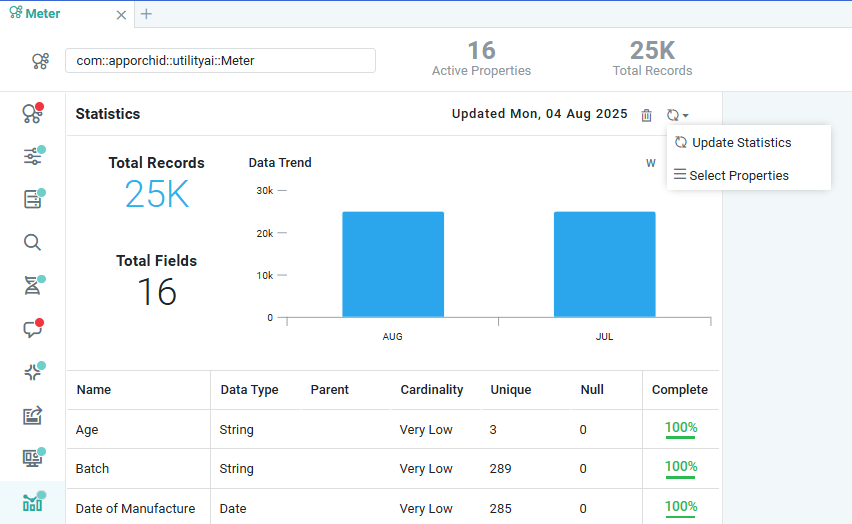
MSO Composer > Update Statistics
-
Selecting the refresh icon on the Statistics page in the MSO Composer to either update Statistics for all MSO Properties or update specific MSO Properties, within the MSO being edited.
References
Contact App Orchid | Disclaimer