
Intended audience: administrators Developers
AO Platform: 3.5
Overview
This topic describes the style configurations for Text Colors.
Variable Names
--vux-text-500
|
CSS Variable Name |
--vux-text-500 |
|---|---|
|
Light |
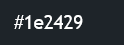
|
|
Dark |
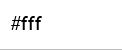
|
Description
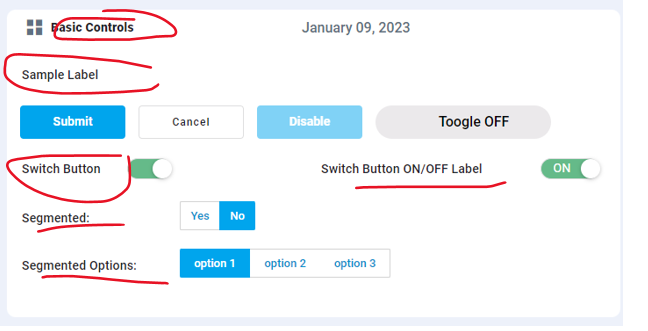
Used for text color.
Examples
-
Table text color.
-
All text elements text color.
--vux-text-400
|
CSS Variable Name |
--vux-text-400 |
|---|---|
|
Light |
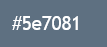
|
|
Dark |
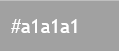
|
Description
Used for light text color.
Examples
-
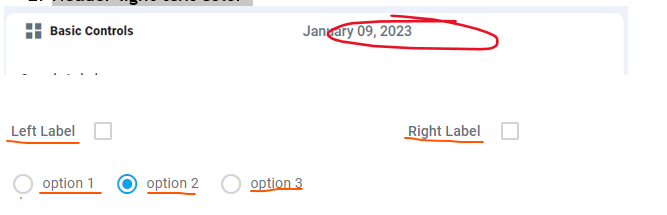
Used for label text color
-
Header light text color
--vux-btn-text
|
CSS Variable Name |
--vux-btn-text |
|---|---|
|
Light |
|
|
Dark |
|
Description
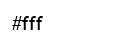
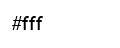
Used for text color, where text color will be same on both modes.
Examples
-
Primary button text color

--vux-border-500
|
CSS Variable Name |
--vux--border-500 |
|---|---|
|
Light |
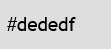
|
|
Dark |
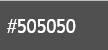
|
Description
Used for most of the border color.
Examples
-
Side-bar border colors,
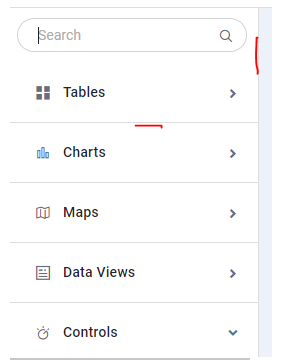
-
Burger menu border colors.
-
Table header border colors
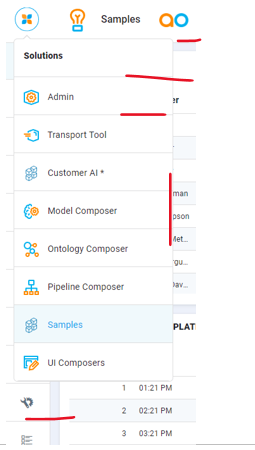
--vux-border-300
|
CSS Variable Name |
--vux-border-300 |
|---|---|
|
Light |

|
|
Dark |

|
Description
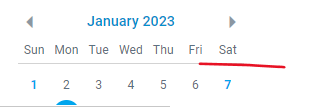
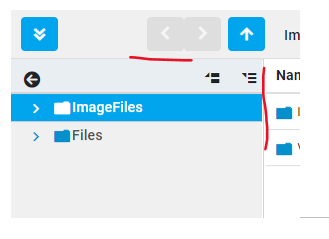
Used for light border colors.
Examples
-
User-setting-container border color
-
User-setting switch box border color
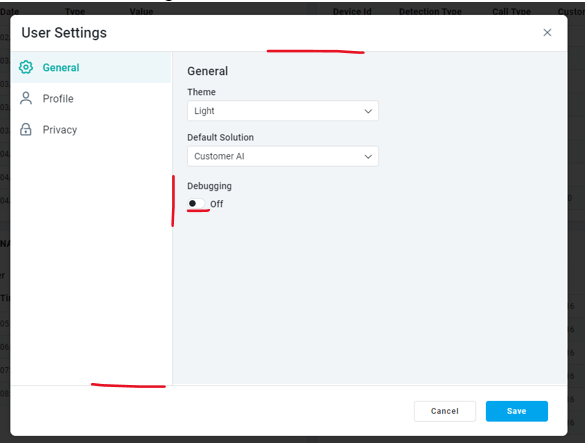
-
Segmented button border

-
Calendar weeks bottom border
-
File Manager borders
Contact App Orchid | Disclaimer