
Intended audience: end-users analysts developers administrators
AO Platform: 4.4
General
-
This page includes selecting the Federated Server environment and the Federated Server’s connections to the data sources (Catalogs) to be federated. It also has some additional cost-optimization “guardrails” in place to help the user understand how the server will be handling requests for questions in Easy Answers that may take a long time to execute.
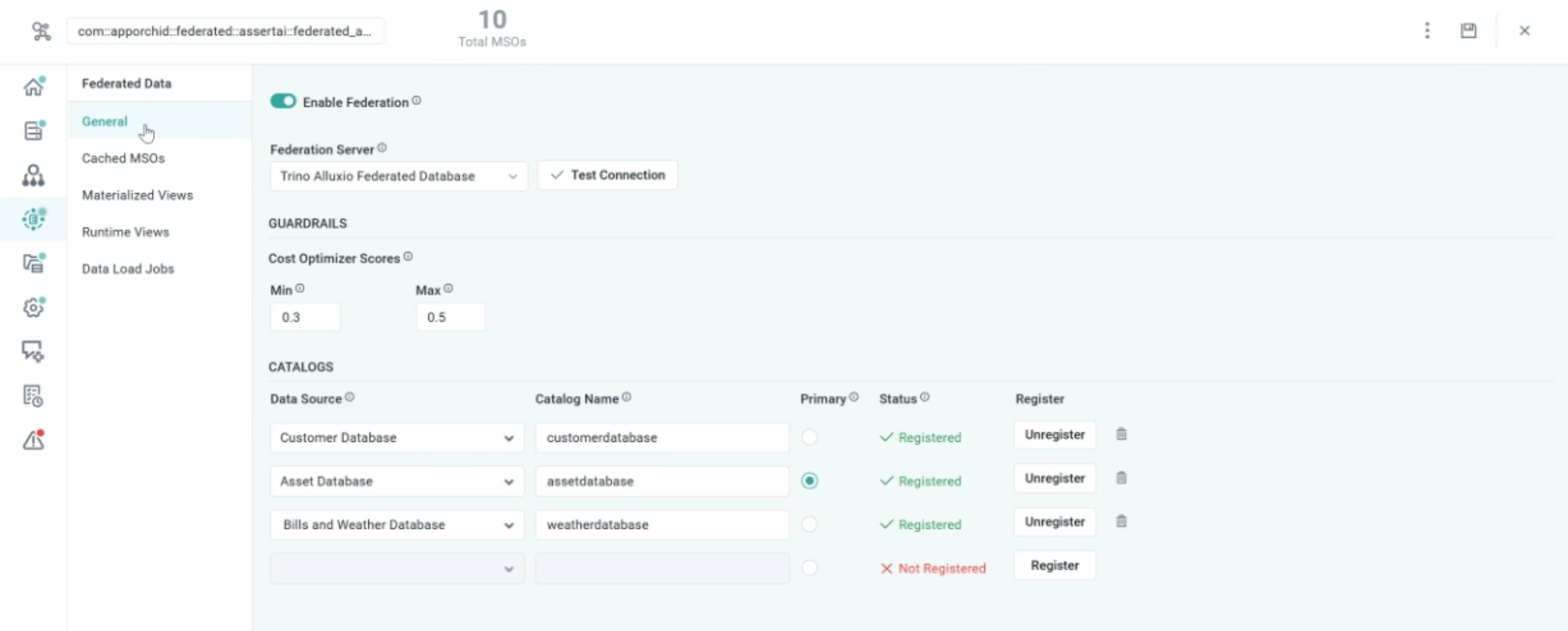
Properties
|
Label |
UI Widget |
Default |
Description |
|---|---|---|---|
|
Enable Federation |
ON/OFF Toggle |
OFF |
If enabled, it will allow configuration of the Federation Server and its connections (Catalogs) to connected database data sources. |
|
Federation Server |
Dropdown |
|
Select from available Federation server connections (configured in the Admin solution). |
|
Test Connection |
Button |
|
Click to test the selected Federation Server connection. |
|
GUARDRAILS |
|
|
Properties defining Cost Optimizer Scores |
|
Number Field (read-only) |
0.35 |
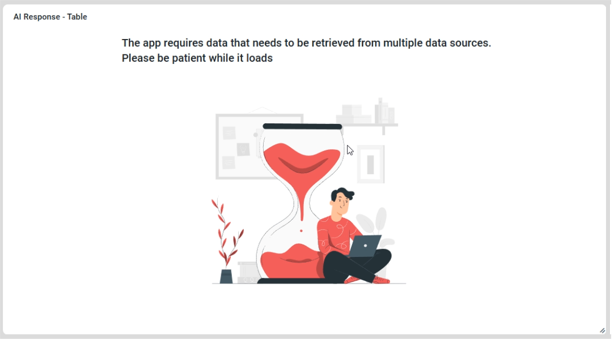
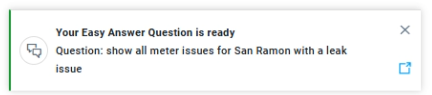
This parameter controls how Easy Answers questions are transformed and executed against a Federation Server, depending on an estimation of the duration for the results to be generated. For estimation scores below the Min value configured, questions will be executed as normal. Questions with an estimation score above the Min value provided but below the Max score will show a message to the user about the query taking a long time to execute. The query will run in the background, and the user will receive a Notification when the Results are ready. |
|
Number Field (read-only) |
0.67 |
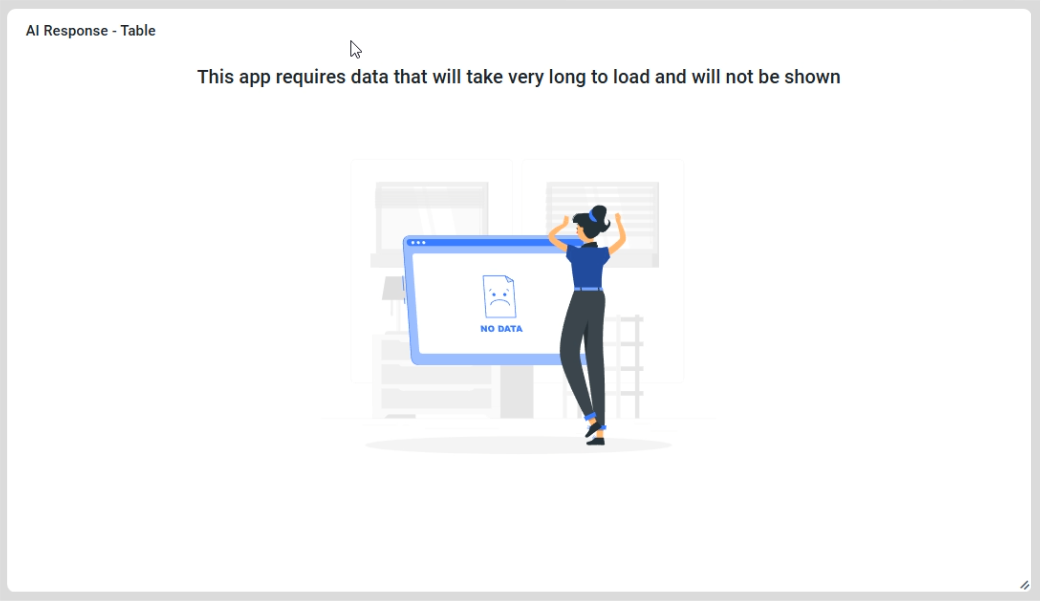
For estimation scores above the Max value configured, questions will not be executed, and a message will be shown. The user should add one or more Filters to the Question to reduce the data needed to respond to the Question. |
|
CATALOGS |
|
|
Repeater section |
|
Text Field (read-only) |
OFF |
List of active database data sources on the Ontology > Sourcing page. |
|
Text Field |
|
Enter a meaningful name for the database data source used for the Catalog Name. |
|
Radio-button |
Not Selected |
Select the radio button for the Primary Catalog. |
|
Text Field (read-only) |
Not Registered |
A Status informing the user whether the Catalog has been registered in the Federation Server or not. |
|
Button |
Register |
Buttons allow the user to manually register (or unregister if no longer required) a Catalog in the Federation Server. Note: Any Catalogs configured, but not yet registered, will be registered on Save of the Ontology. |
|
Message to Easy Answers Users if the Guardrails score for a Federated Data Question is between Min and Max |
Message to Easy Answers Users if the Guardrails score for a Federated Data Question is above Max |
|---|---|
|
|
Contact App Orchid | Disclaimer