
Intended audience: end-users developers
AO Platform: 4.3
Overview
For the Model to be added, click the Add Quick Insight button to see a list of available Quick Insights relative to the Data available.
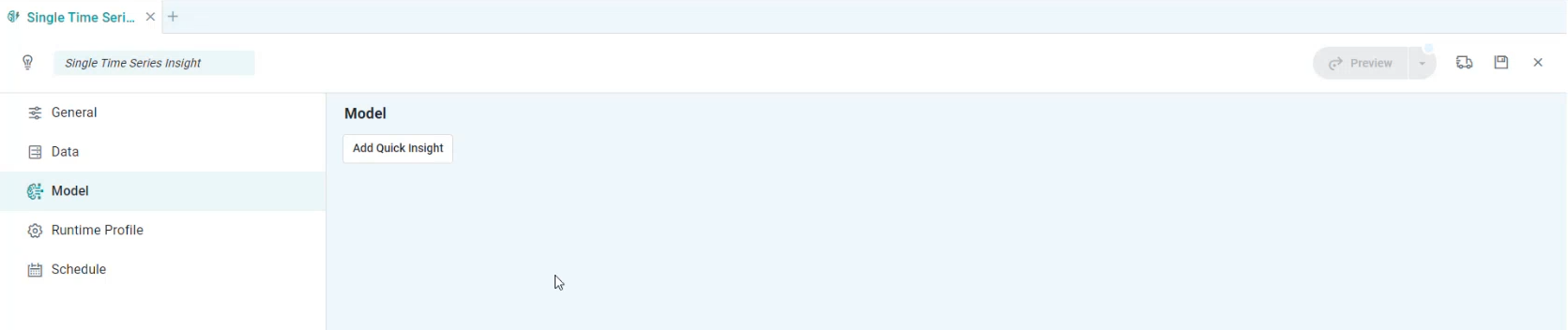
Dialog shown for Add Quick Insight button
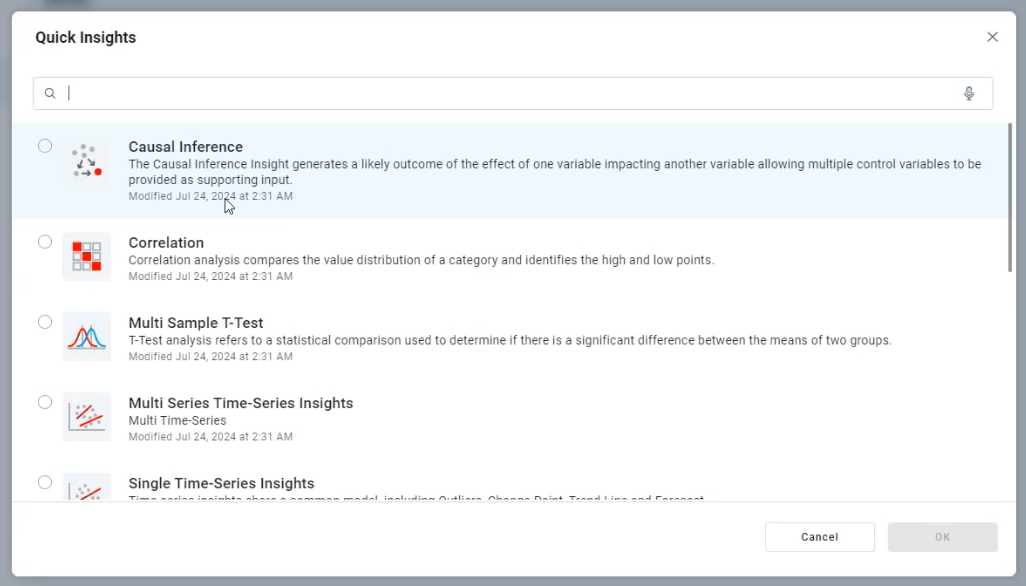
Once a Quick Insight has been selected, the Model will be added to the left-side panel with corresponding configuration properties shown on the right in tabbed sections, including:
Note that some Models can contain sub-models, eg. the Single Time-Series Insights is a “parent” model containing sub-model configurations for Outliers, Change Point, Trend Line, and Forecast.
Contact App Orchid | Disclaimer