
Intended audience: end-users developers
AO Platform: 4.4
Overview
To edit, select a Solution from the list on the main Solution page and click Edit on the Solution Card or in the More menu when in List view.
Once open, select the Security page.
Security
-
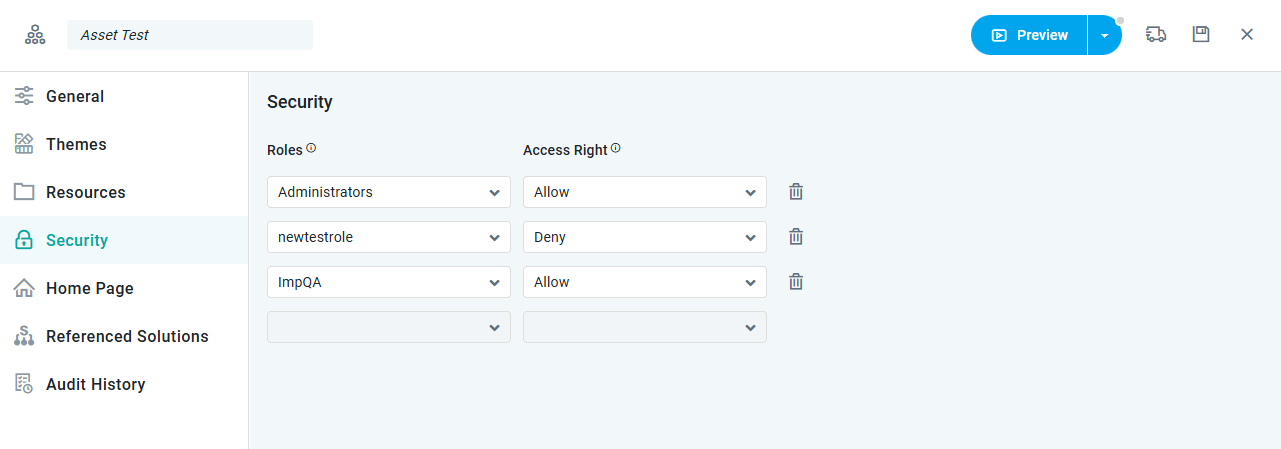
This page allows the user to set access Permissions for user Roles of the Easy Answers solution.
Properties
|
Label |
UI Widget |
Default |
Description |
|---|---|---|---|
|
Roles |
Dropdown |
|
Shows a list of Roles available in the system. |
|
Access Rights |
Dropdown |
|
Shows the two options: Allow or Deny. |
Contact App Orchid | Disclaimer