
Intended audience: administrators Developers
AO Platform: 3.5
Overview
This topic describes the style configurations for Brand Colors.
Variable Names
--vux-primary-900
|
CSS Variable Name |
--vux-primary-900 |
|---|---|
|
Light |

|
|
Dark |

|
Description
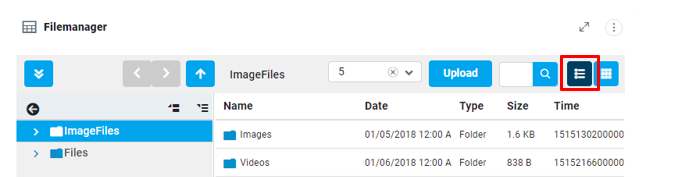
Used for file manager segmented buttons
Examples
-
File Manger toolbar - segment - button – selected.
--vux-primary-700
|
CSS Variable Name |
--vux-primary-700 |
|---|---|
|
Light |
|
|
Dark |

|
Description
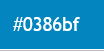
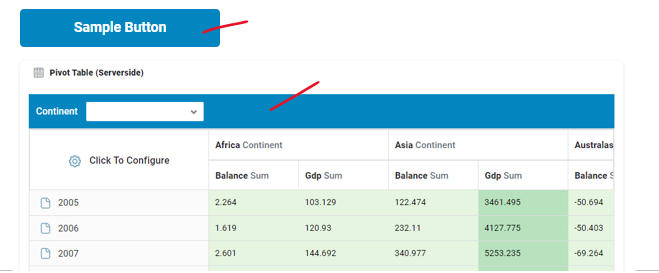
Used for hover of primary color.
Examples
-
Submit buttons hover.
-
Accordion header hover
-
Pivot table (SS) header background color
--vux-primary-600
|
CSS Variable Name |
--vux-primary-600 |
|---|---|
|
Light |

|
|
Dark |

|
Description
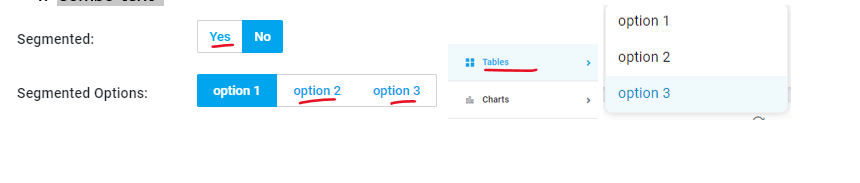
Used for text in primary color.
Examples
-
Submit buttons text, with background is white.
-
Sidebar text color on selection & hover
-
List selected text color
-
Combo text
--vux-primary-500
|
CSS Variable Name |
--vux-primary-500 |
|---|---|
|
Light |

|
|
Dark |
|
Description
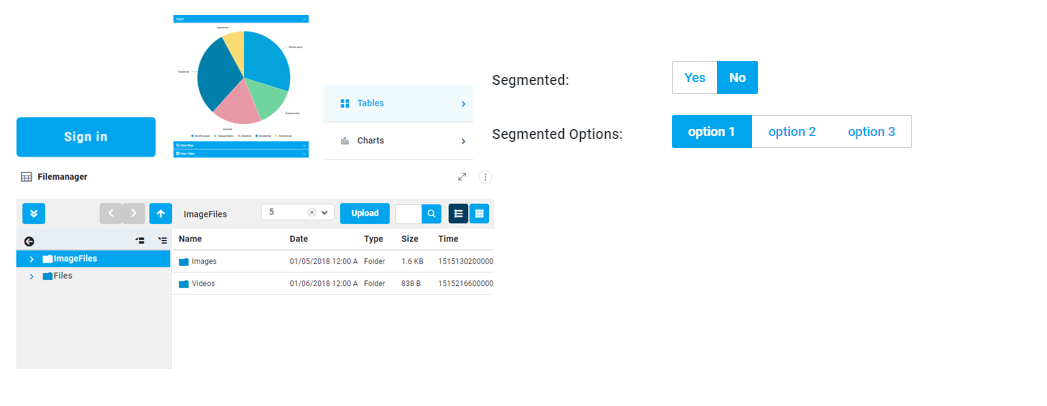
Wherever blue color appearance needed, we are using this variable.
Examples
-
Submit, Segmented buttons background.
-
Accordion header background
-
Sidebar icon color on selection & hover
-
Slider handle color & Range Slider
-
File manager buttons background.
--vux-primary-50
|
CSS Variable Name |
--vux-primary-50 |
|---|---|
|
Light |
|
|
Dark |

|
Description
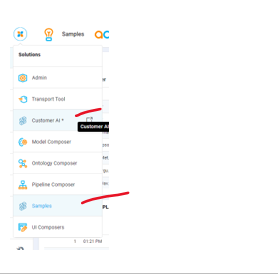
Used for sidebar hover background.
Examples
-
Berger menu list hover & selected background color
--vux-secondary-500
|
CSS Variable Name |
--vux-secondary-500 |
|---|---|
|
Light |

|
|
Dark |

|
Description
Used for checkbox, input & text area focus border colors.
Examples
-
Checkbox border color.
-
Input & Textarea focus border color
-
Segmented active button background
-
Icon hover color

--vux-secondary-filled-checkbox
|
CSS Variable Name |
--vux-secondary-filled-checkbox |
|---|---|
|
Light |

|
|
Dark |

|
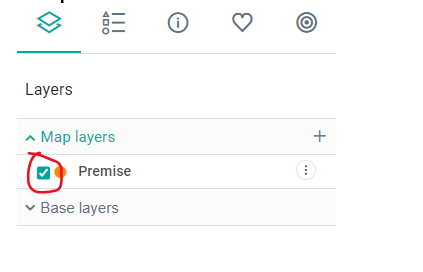
Description
Used for accent-color for checkbox buttons in OL Maps
Examples:
--vux-accent-700
|
CSS Variable Name |
--vux-accent-700 |
|---|---|
|
Light |

|
|
Dark |

|
Description
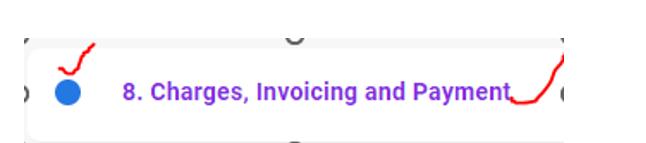
Used for default styles of toc, currently these styles were not using because of solution level template, style overrides.
Examples
-
ao-vux-toc_item_selected text color.
-
.webix_list_item.webix_selected, .ao-vux-toc_indicator_checked background.
--vux-accent-500
|
CSS Variable Name |
--vux-accent-500 |
|---|---|
|
Light |

|
|
Dark |

|
Description
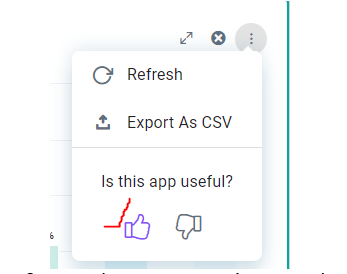
Used for feedback icon selected color.
Examples:
Examples
-
Feedback icon selected color.
hhhh
-
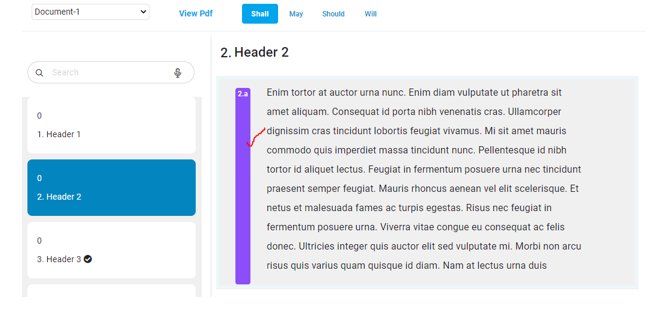
.vux_doccontent_number_container background color
--vux-accent-300
|
CSS Variable Name |
--vux-accent-300 |
|---|---|
|
Light |

|
|
Dark |

|
Description
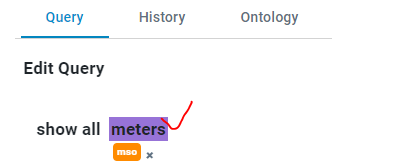
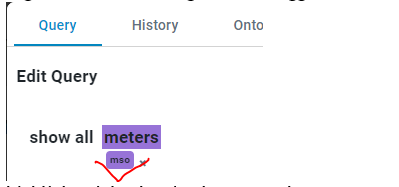
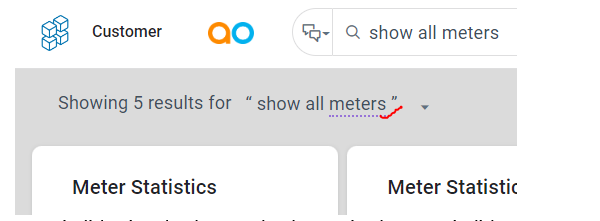
Used for highlight-violet background color in tagger.
Examples
-
highlight-violet background color in tagger.
-
tag-color-violet background in tagger.
-
highlight.violet border-bottom color.
-
querybuilder-header-icon active icon color in query builder.

-
vux-richsearchpopup > list_item_history color.

Contact App Orchid | Disclaimer