
Intended audience: end-users developers
AO Platform: 4.4
Overview
The Samples solution allows Theme selection on the General tab in User Settings - available from the User menu. Select between Light, Dark, and High-Contrast (Dark) Themes, or a custom Theme if available.
|
Theme Name |
Example |
|---|---|
|
Light |
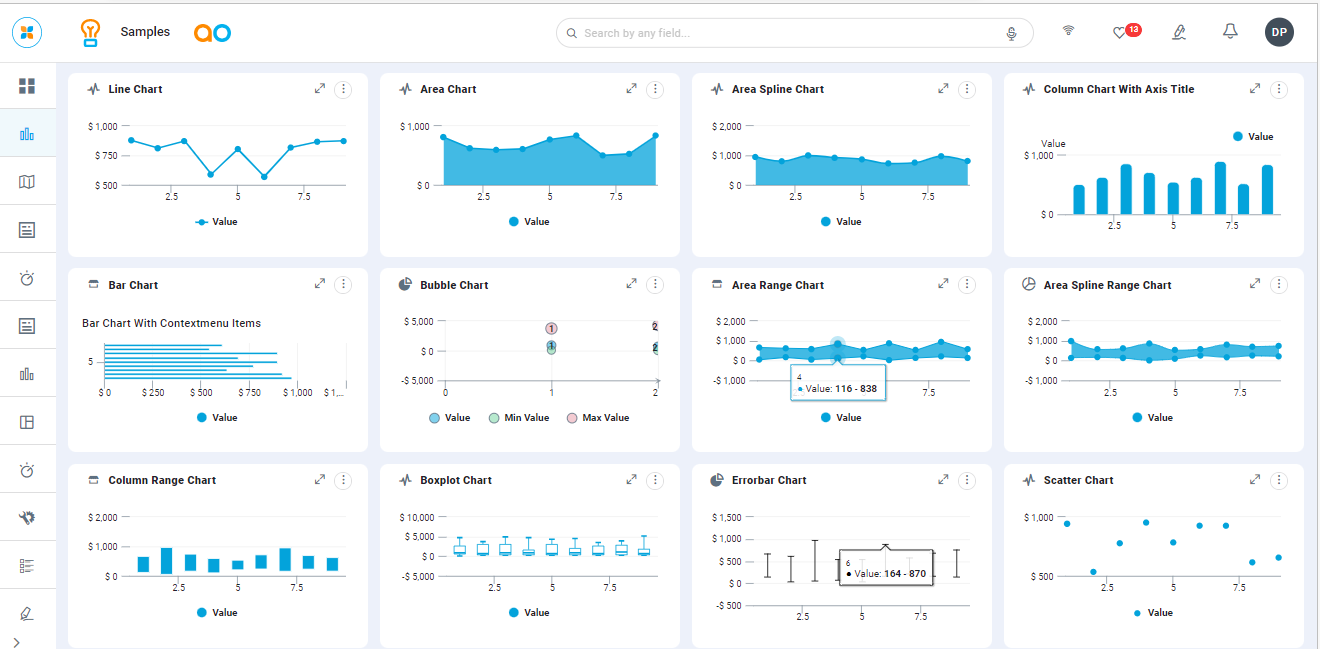
|
|
Dark |
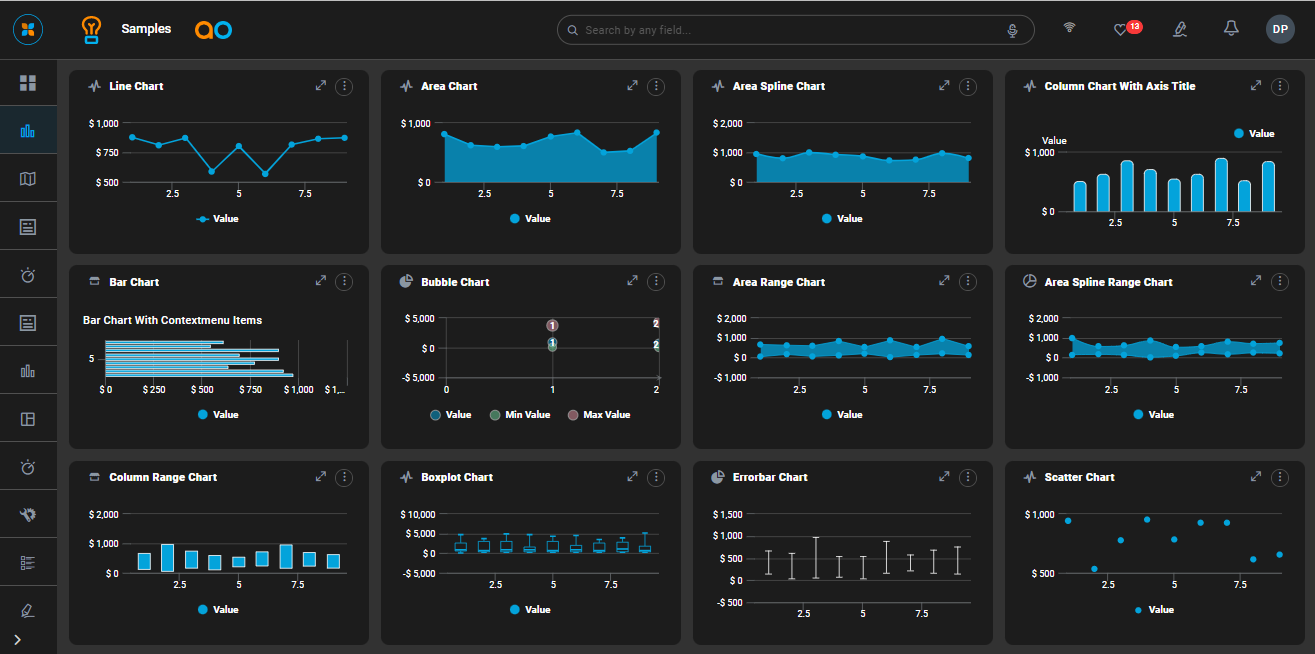
|
|
High-Contrast (Dark) |
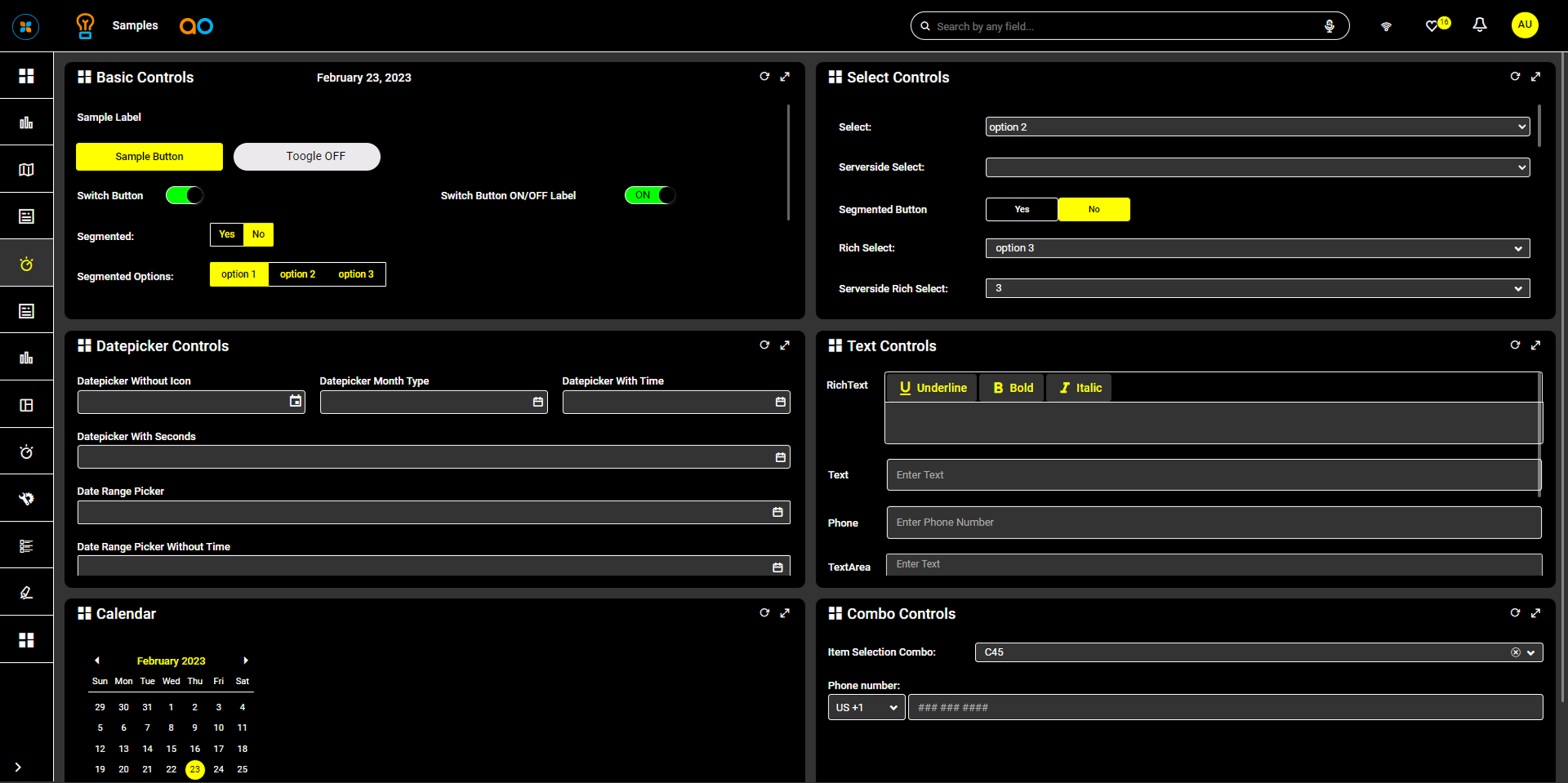
|
Video
For Developers, see also…
-
UI Theme Creation - how to create custom Themes used to style an overall solution page.
-
Color Palette Creation - how to create custom Color Palettes used to style data elements.
Contact App Orchid | Disclaimer