
Intended audience: end-users Developers
AO Platform: 4.3
Overview
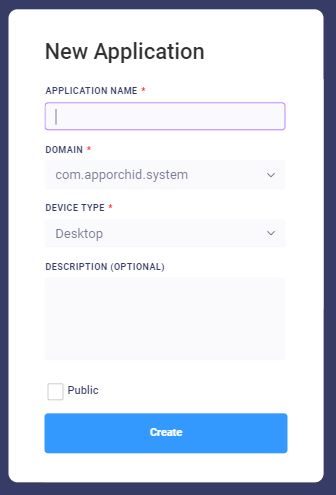
Creating an Application is a simple matter of clicking the Add New button in top-right corner of the Applications landing page. The New Application dialog will open.
Now, populate the dialog box for New Application, providing the…
-
Application Name
-
Domain
-
Device Type
-
Description
-
Select if you want to create the new Application as Public
Once the Create Application has been finalized, user is now ready to edit the application - see Editing an Application for details.
Contact App Orchid | Disclaimer